Bill subscription is a periodic automatic billing solution for customers, supporting flexible models such as fixed periods, usage tiers, and mixed billing, and achieving full-process automated management from bill generation, push, payment to renewal.
The application scenarios for subscription include:
- SaaS software: Software usage fees are charged monthly
- Membership Service: Annual membership is automatically renewed
- Cloud resources: Monthly server rental + excess traffic charges
- Content subscription: Regular deductions for the knowledge payment column
Billing process:
- Cycle: Automatically generate bills on a weekly/monthly/annual basis
- Intelligent reminders: Pre-payment notifications, expiration reminders
- Automatic renewal: Service is automatically renewed upon expiration to ensure business continuity
To enable Subscription payment functionality, please contact integration personnel to apply.
Go to Merchant Platform > Payment Products > Subscription, click Create New Subscription (if you cannot access, please contact integration personnel)
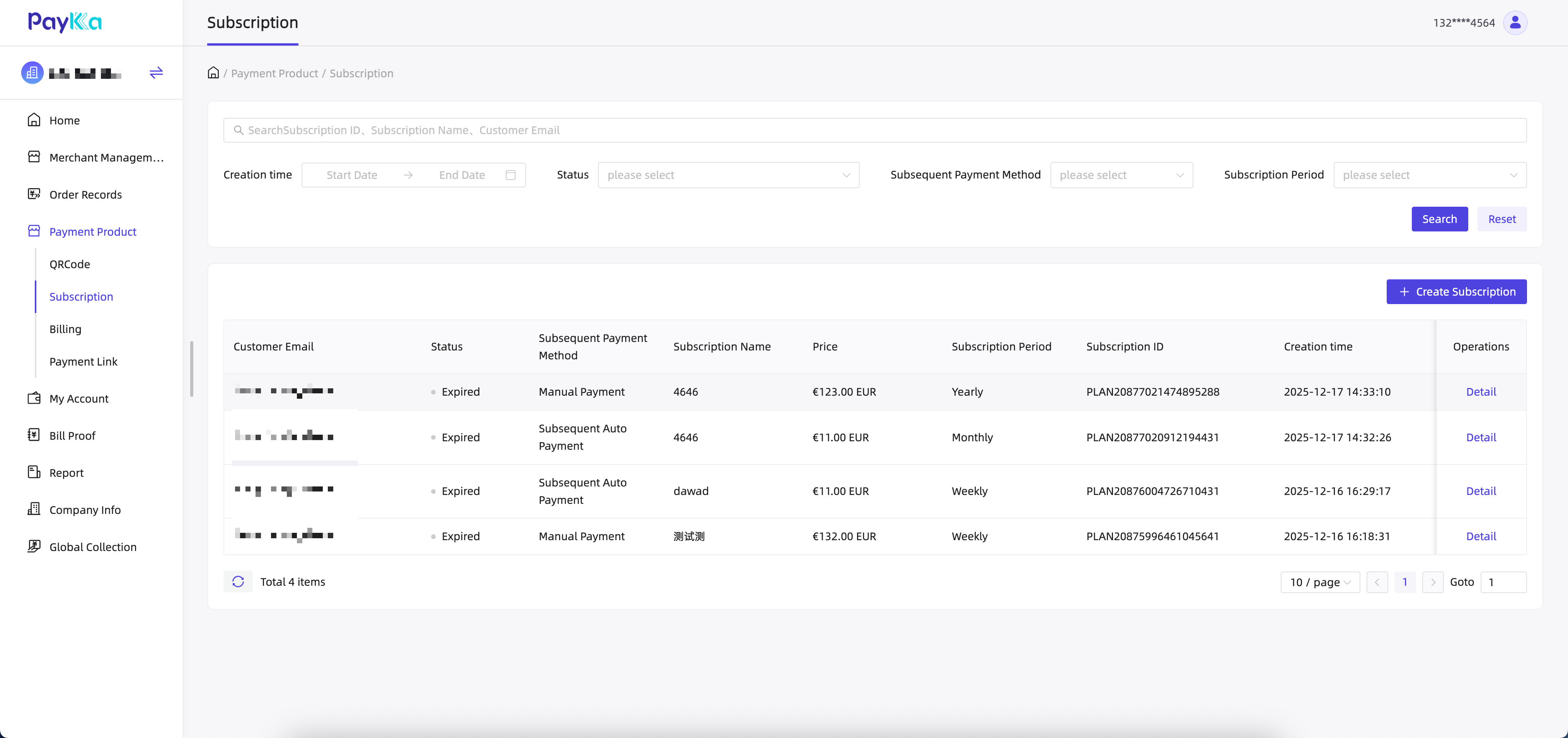
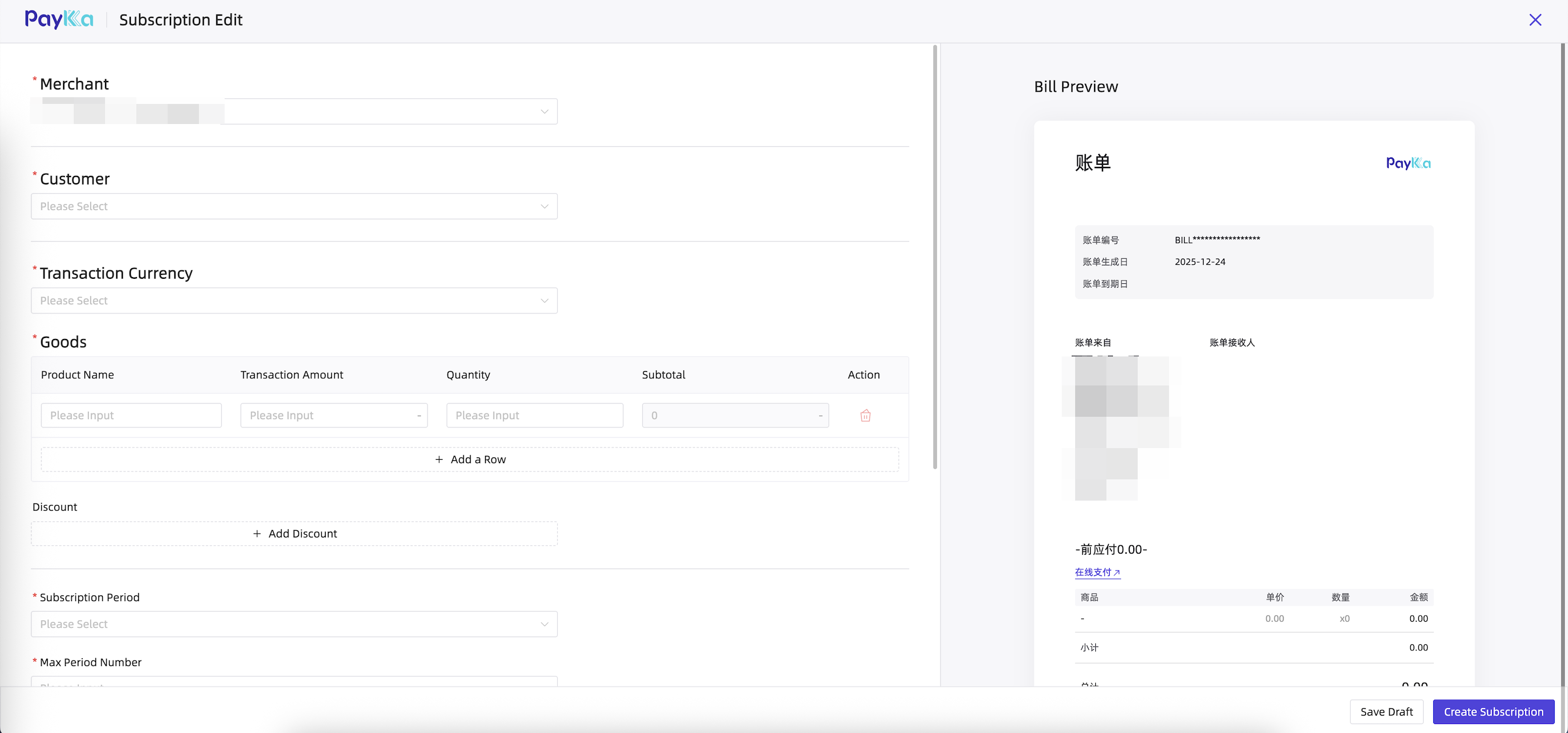
Select the specified customer/currency, enter the cycle/payment mode/product information/discount/shipping fee and other information, and you can preview the payment page effect in real time on the right side of the page. Click "Save" or "Create" to generate a subscription bill.
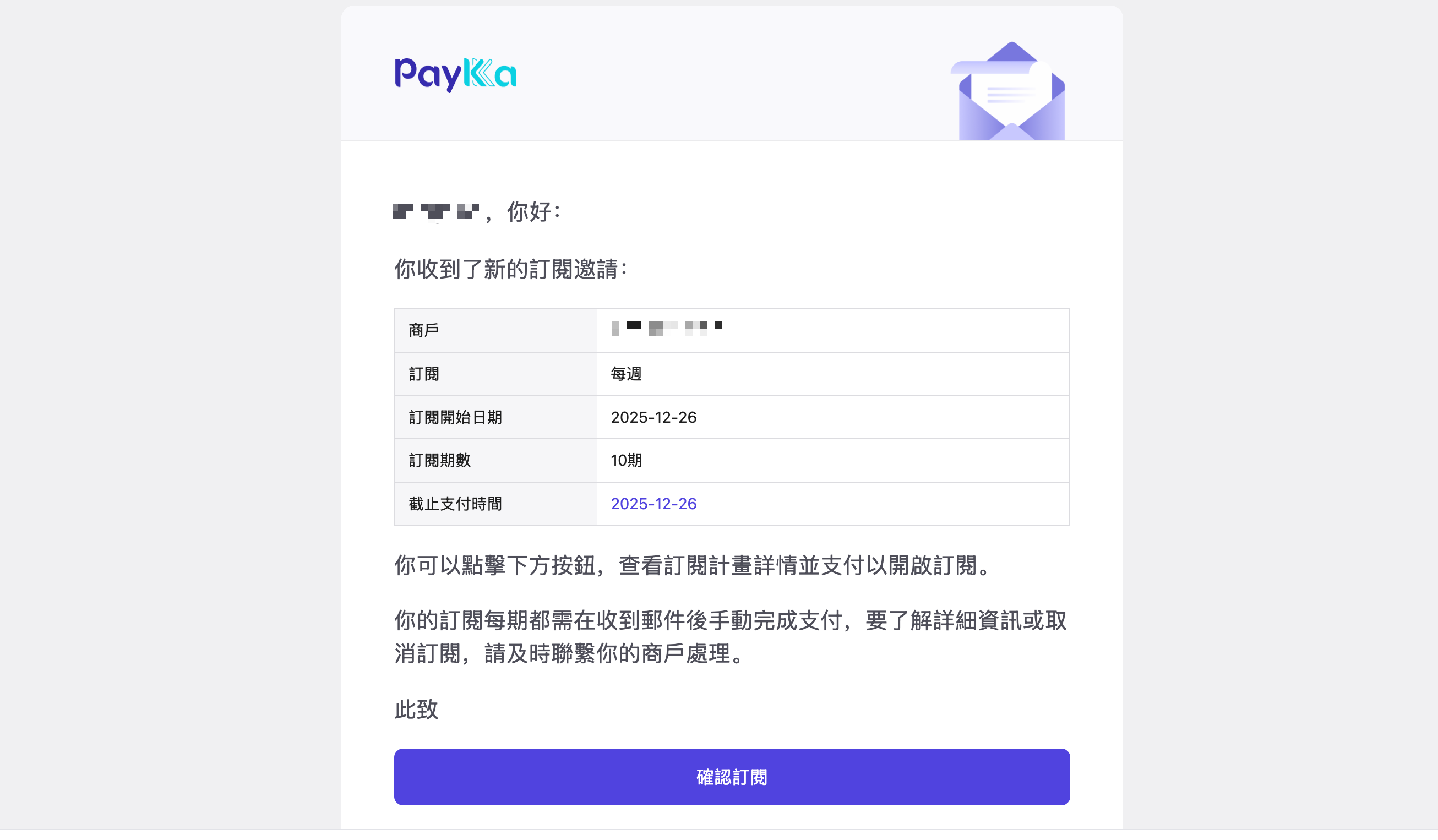
Customers can find the subscription bill they need to pay through email reminders. When customers visit the URL, they will be redirected to the payment page to complete the payment.
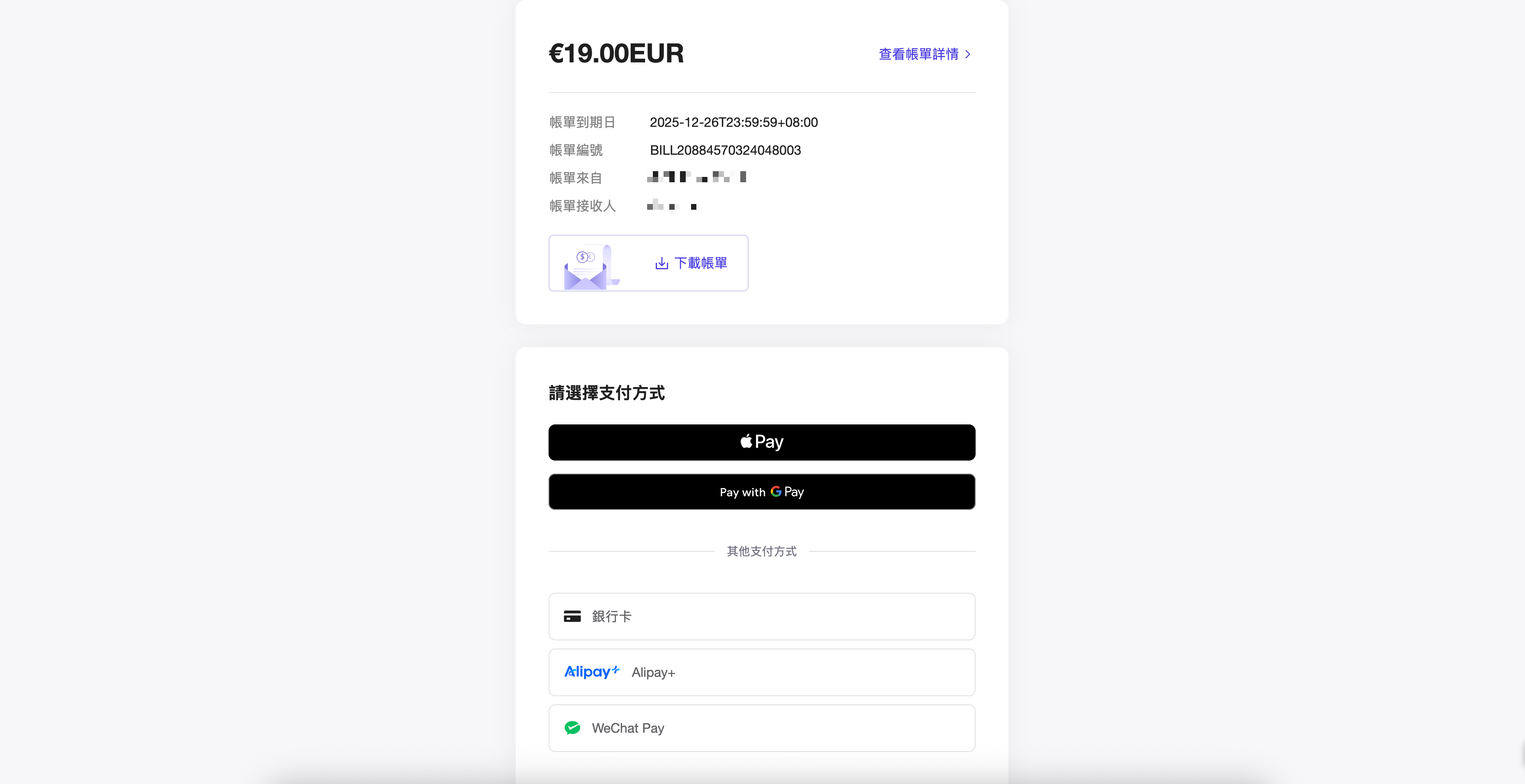
After a successful payment, the customer can click to download the subscribed bill or receipt.
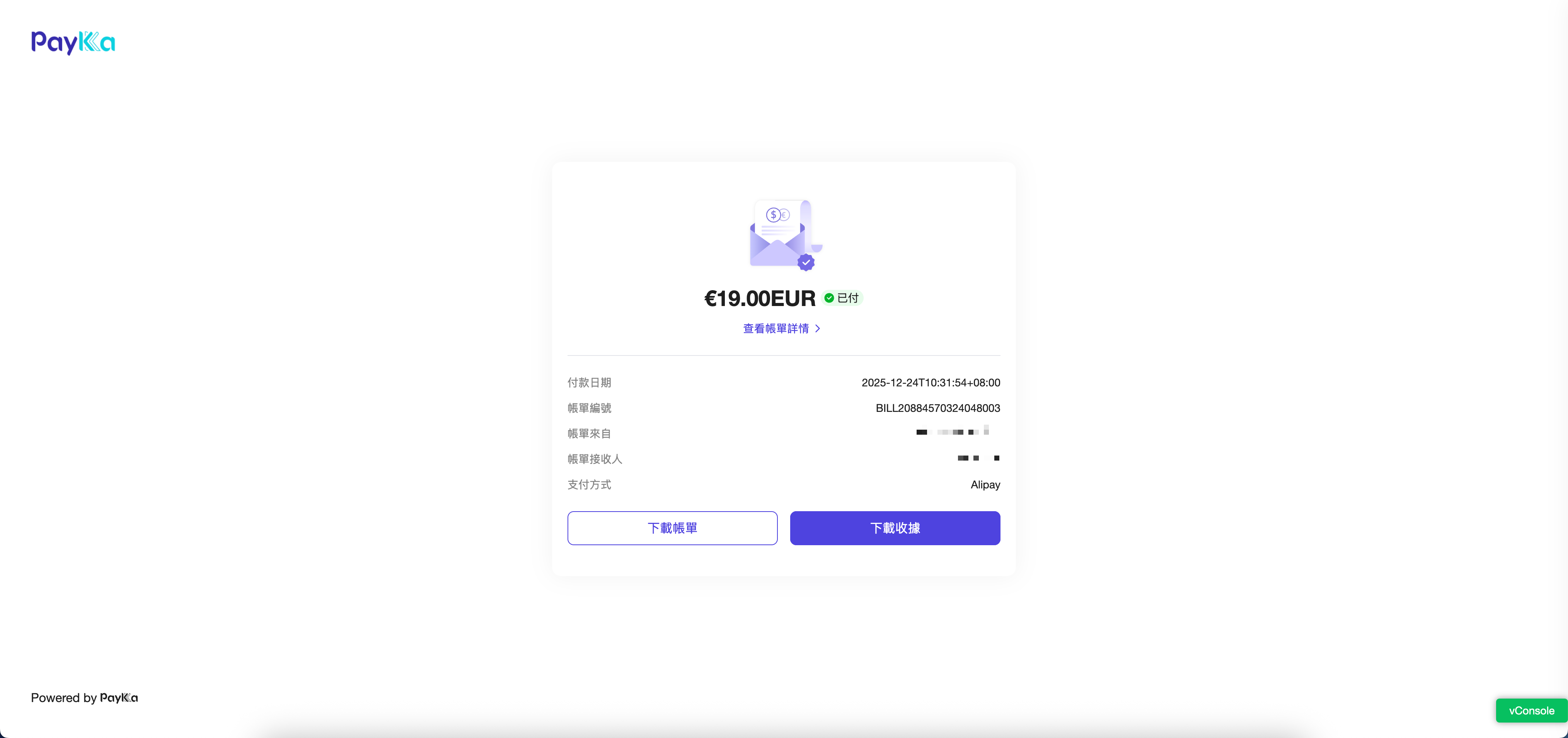
After a successful payment, you can click on the subscription details page to view the payment result and download the subscription bill receipt. You can also click on Order Records > Transaction Orders to view the payment result.
Merchants can also unsubscribe on the subscription details page.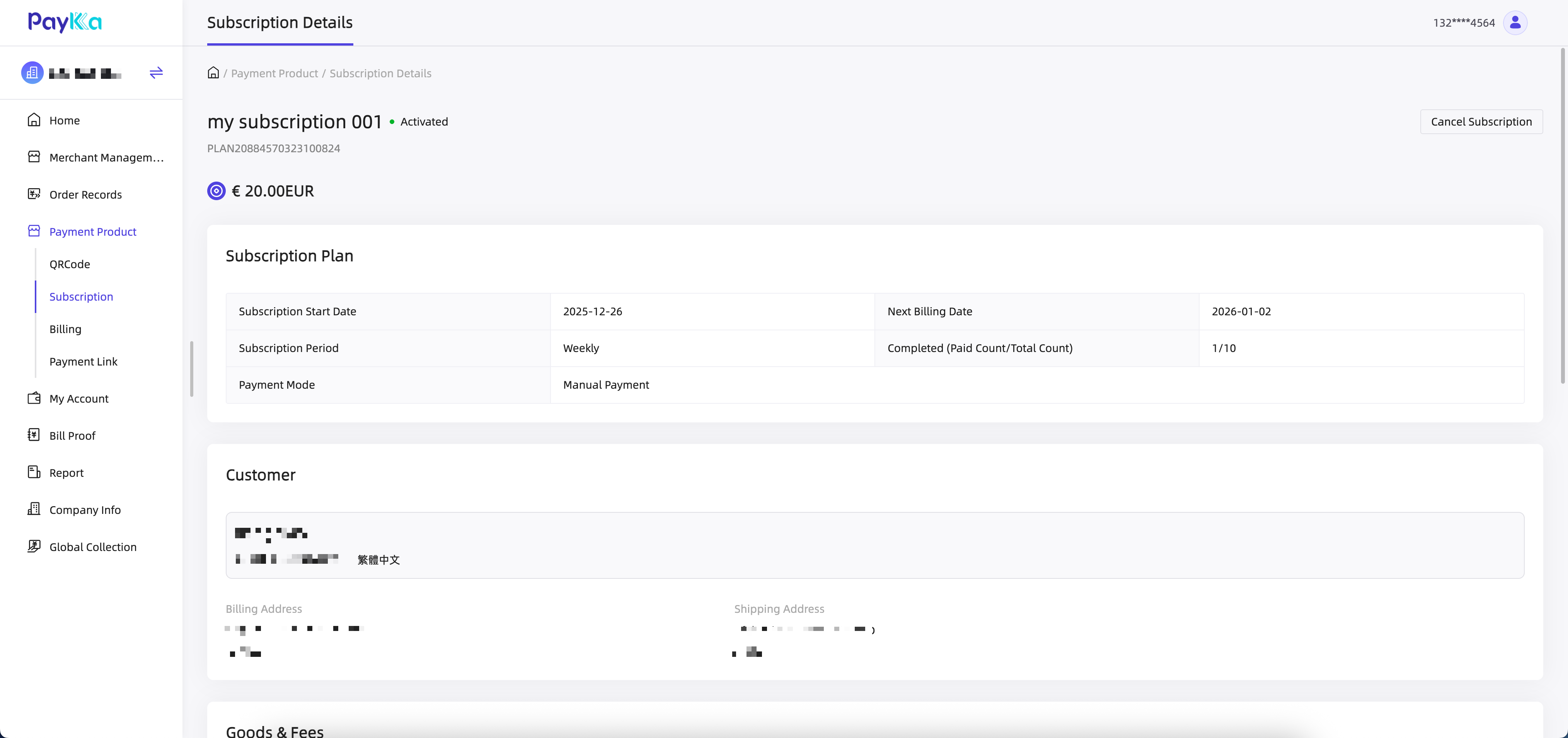
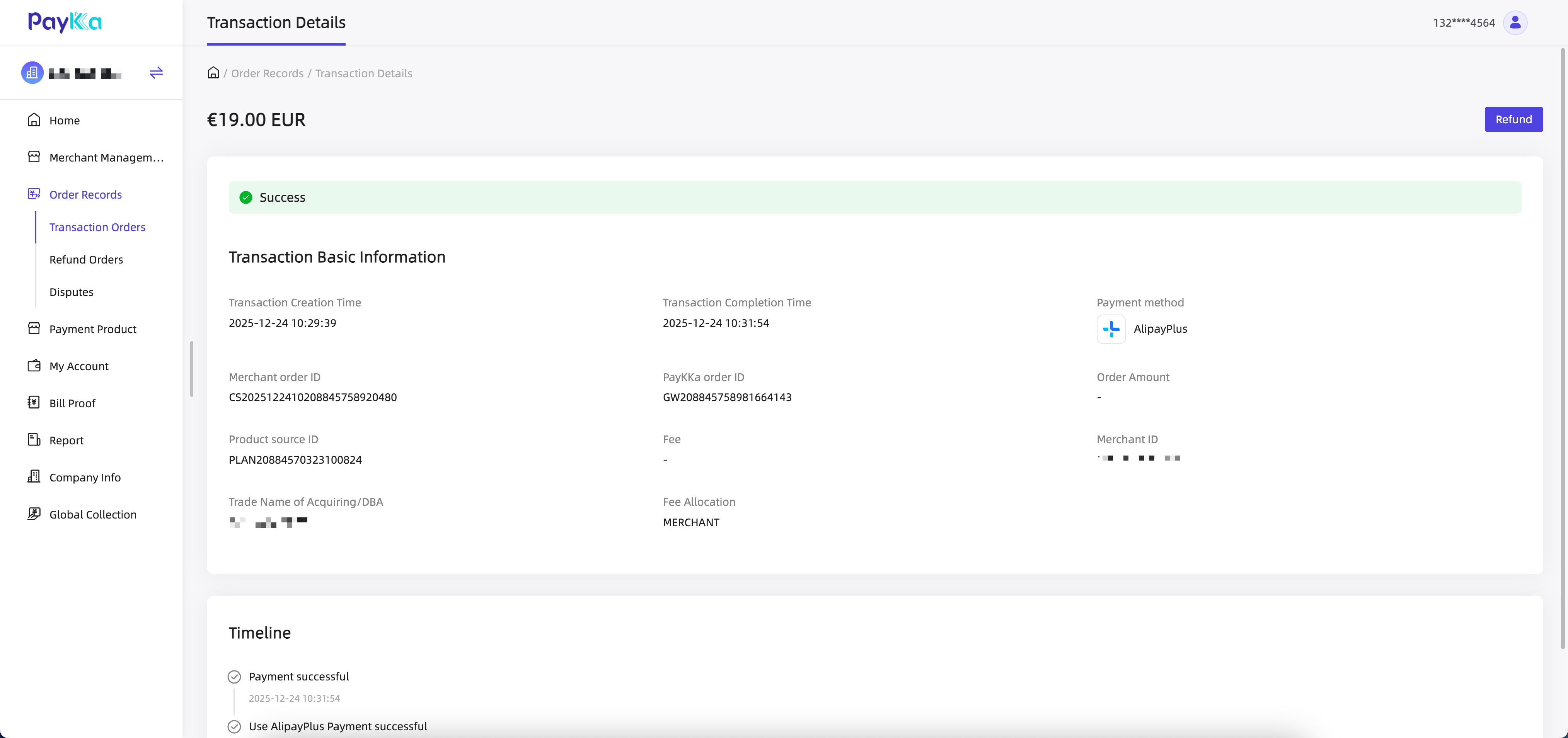
Subscription API interface requires contacting integration personnel to apply.
You can customize the style and functions of the subscription bill according to your business needs.
| Parameter | Description |
|---|---|
| Customer | New payment users or historical subscribers can be added |
| Trading currency | The payment currency for the subscription bill |
| Discount | Discount mode support: Enjoy discounts only for the first time and every time. Discount support: Fixed amount discounts and percentage discounts |
| Subscription period | Support weekly, monthly and annual |
| Number of cycles | Supports permanent or any number greater than 0 |
| Subscription start time | The time when the subscription plan is initiated |
| Payment mode | Subsequent payment methods: Manual payment, automatic payment |
| Subscription name | Subscribe Title |
| Custom Fields | Description of Custom Remarks |
| Brand Customization | If you wish to customize your bill's logo and theme color, please contact the PayKKa team |