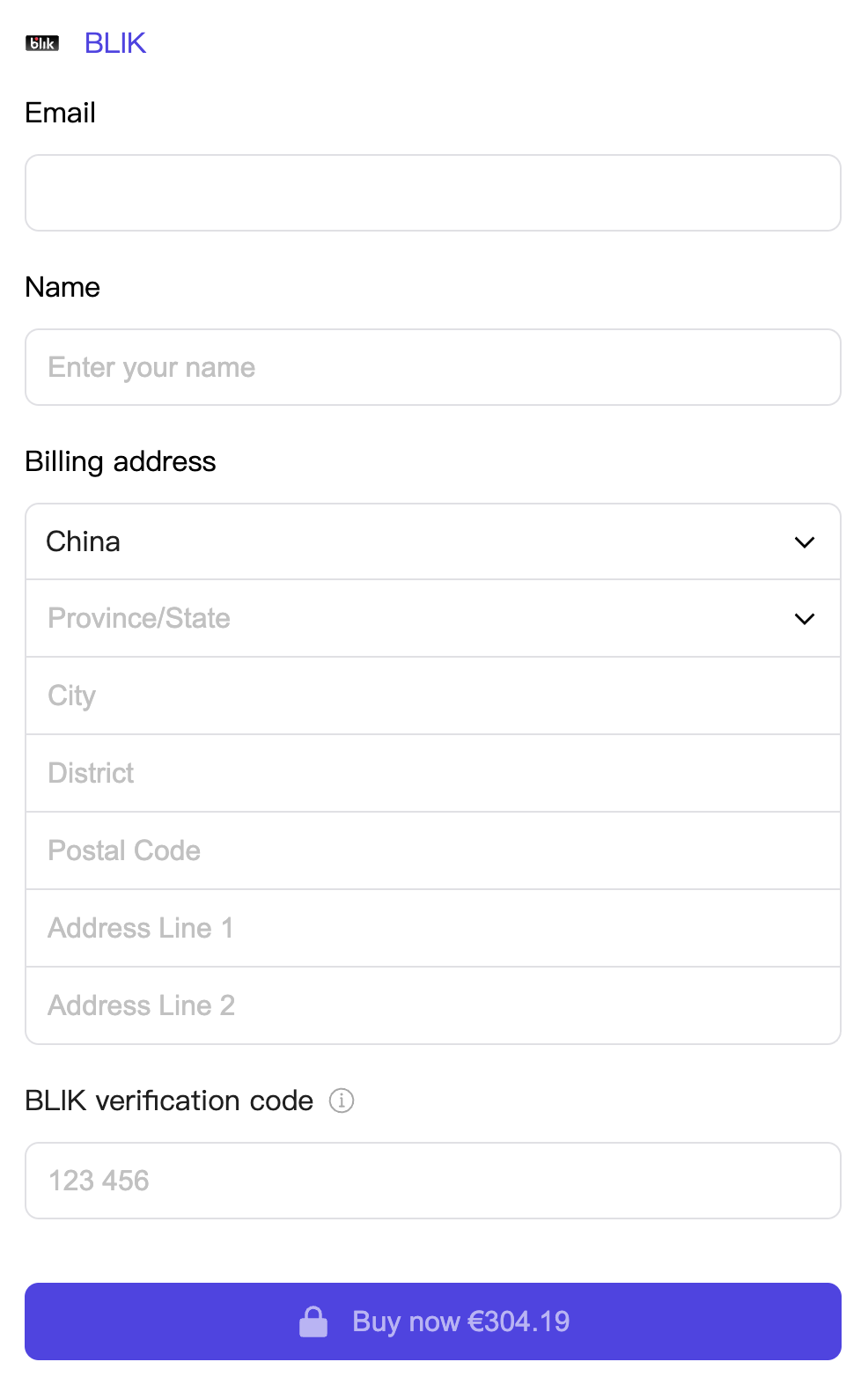
html
<div id="checkoutBLIKField"></div>javascript
import { Blik } from '@paykka/card-checkout-ui'

const checkoutBLIK = paykkaCheckout.create(Blik, {
  onSubmit: formValidateError => {
    console.log('BLIK payment submitted:', formValidateError)
  },
  onSuccess: data => {
    console.log('BLIK payment successful:', data)
  },
  onError: error => {
    console.log('BLIK payment failed:', error)
  }
})

checkoutBLIK.mount('#checkoutBLIKField')Passed when calling the create method to create BLIK.
| Name | Description | Type | Default |
|---|---|---|---|
| showEmail | Whether to display email.
| boolean | false |
| showAddress | Whether to display address.
| boolean | false |
| hidePaymentButton | Whether to hide the payment button. After hiding it, you can trigger payment manually through the component ref's payment() method. | boolean | false |
| onSubmit | Payment submission callback, triggered after clicking the payment button.
| (formValidateError?: Record<string, FormValidateError[]>) => void | boolean | Promise<void | boolean> | undefined |
| onSuccess | Callback after successful payment.
| (data: PaymentSuccessData) => void | undefined |
| onError | Callback after payment failure, can resubmit for payment.
| (error: PayKKaError) => void | undefined |
| onTimeout | Callback when payment times out, can resubmit for payment. | () => void | undefined |
| onExpired | Callback when the checkout counter has expired during payment, cannot pay again. | () => void | undefined |
Methods and properties exposed by BLIK, can be called by the BLIK instance created via the create method, e.g.: checkoutBLIK.ref.payment().
| Name | Description | Type |
|---|---|---|
| payment | Make a payment, enabled when the payment button is not visible. | () => void |
Below is an explanation of some data types:
Payment success information.
interface PaymentSuccessData {
  /** URL that can be redirected to after successful payment */
  returnUrl?: string
}