Skip to content

Magento & Adobe Commerce

Installing PayKKa Payment Gateway Module via Source Code

Create Directory in Your Magento Project Installation Directory

mkdir -p ${magento_dir}/app/code/PayKKa/

Copy Source Code to the Directory Created in Step One

Enable Plugin

php bin/magento module:enable PayKKa_PaymentGateway

Execute Commands

php bin/magento setup:upgrade

php bin/magento setup:di:compile

php bin/magento cache:clean

php bin/magento cache:flush

If Your Magento is in Production Mode, You Must Recompile and Deploy the Module's Static Files

php bin/magento setup:di:compile
php bin/magento setup:static-content:deploy

Uninstalling PayKKa Payment Gateway Module

Backup Your Files and Database

Delete Module Files

rm -rf ${magento_dir}/app/code/PayKKa/

Recompile

php bin/magento setup:di:compile
php bin/magento setup:upgrade
php bin/magento cache:flush
php bin/magento cache:clean

If Your Magento is in Production Mode, You Must Recompile and Deploy the Module's Static Files

php bin/magento setup:di:compile
php bin/magento setup:static-content:deploy

Usage

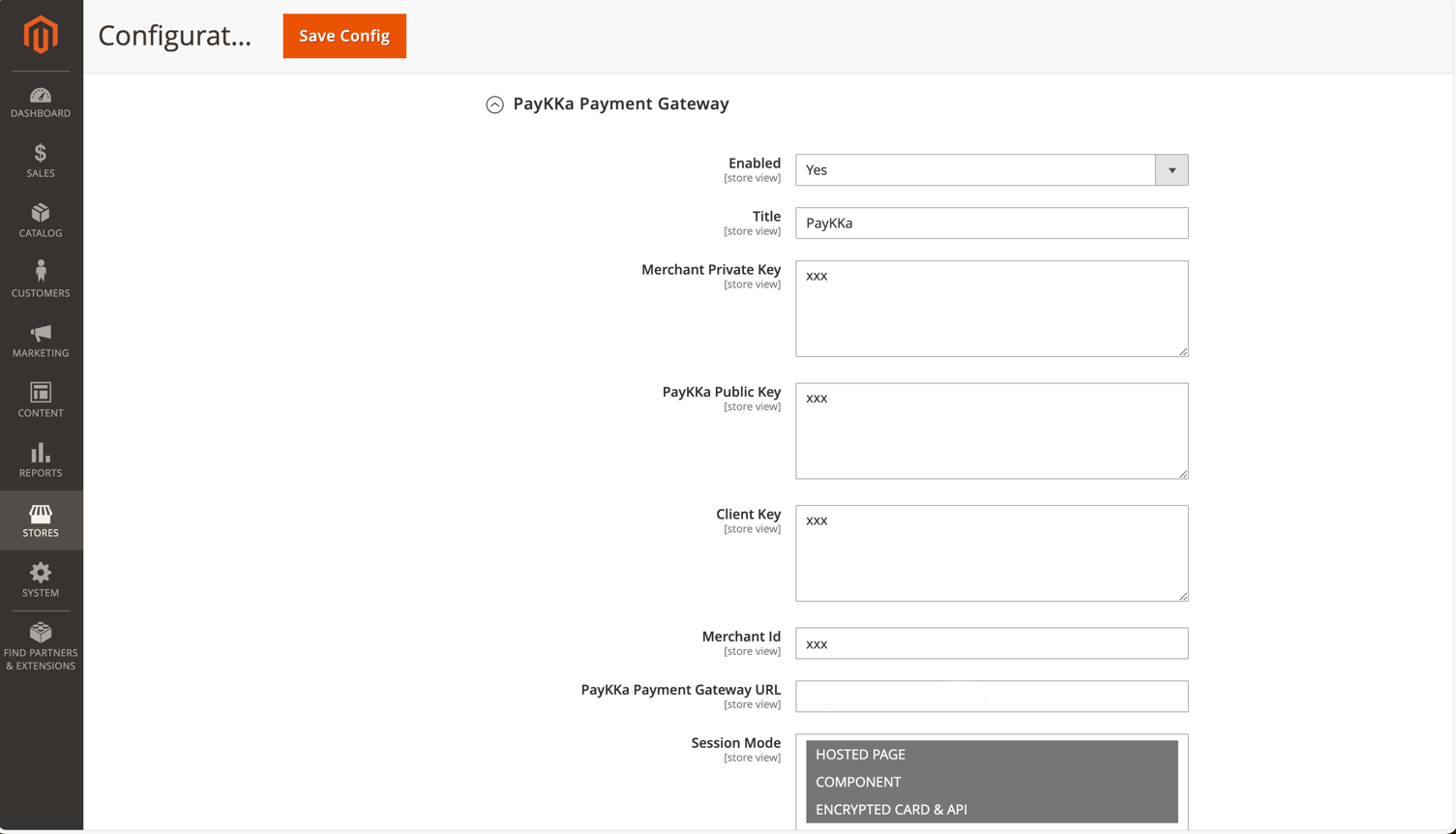
Configure Payment Method in Magento Admin Backend

STORES -> CONFIGURATION -> SALES -> PAYMENT METHOD

Session Mode supports multiple selections
Description of image

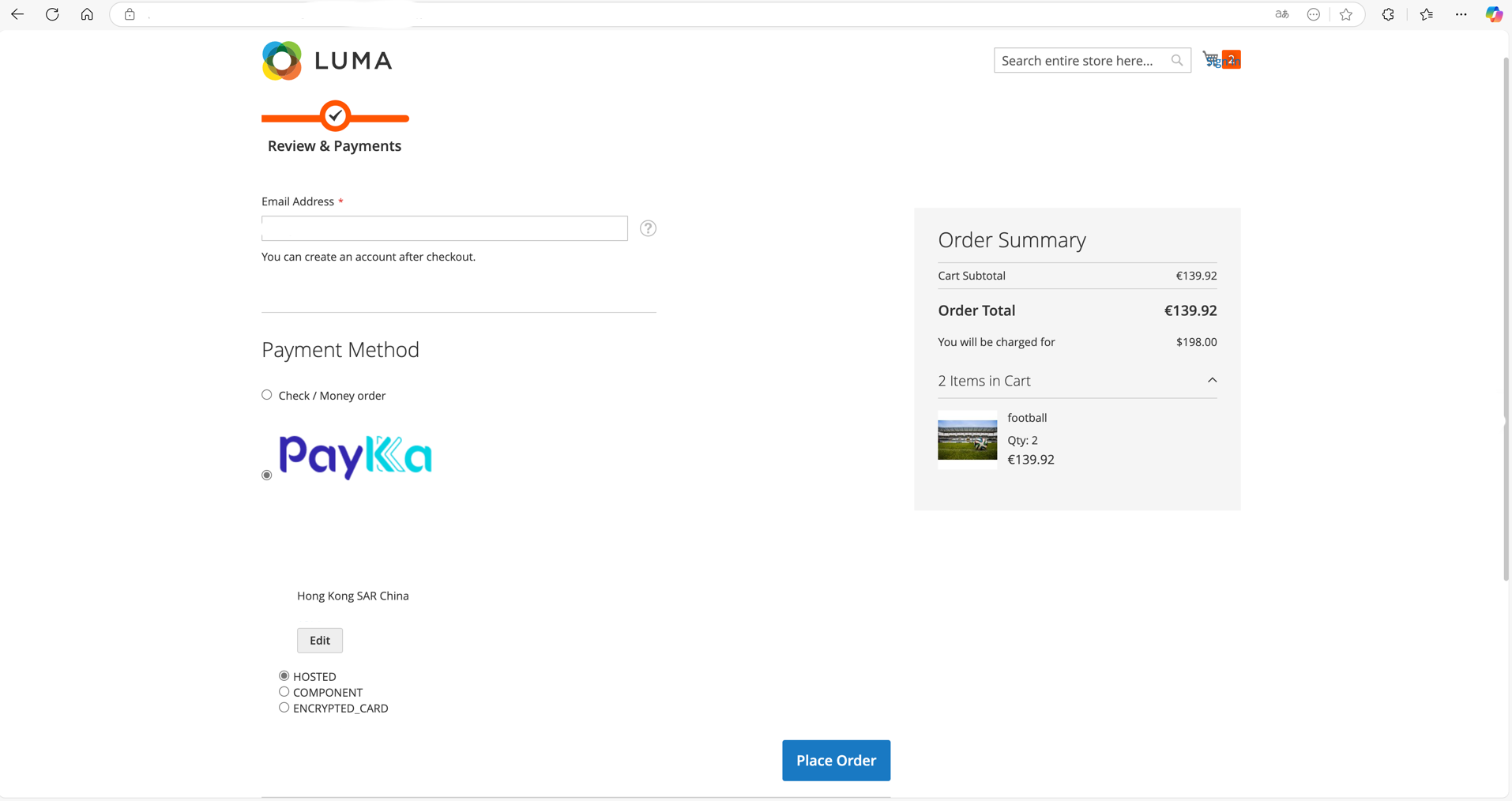
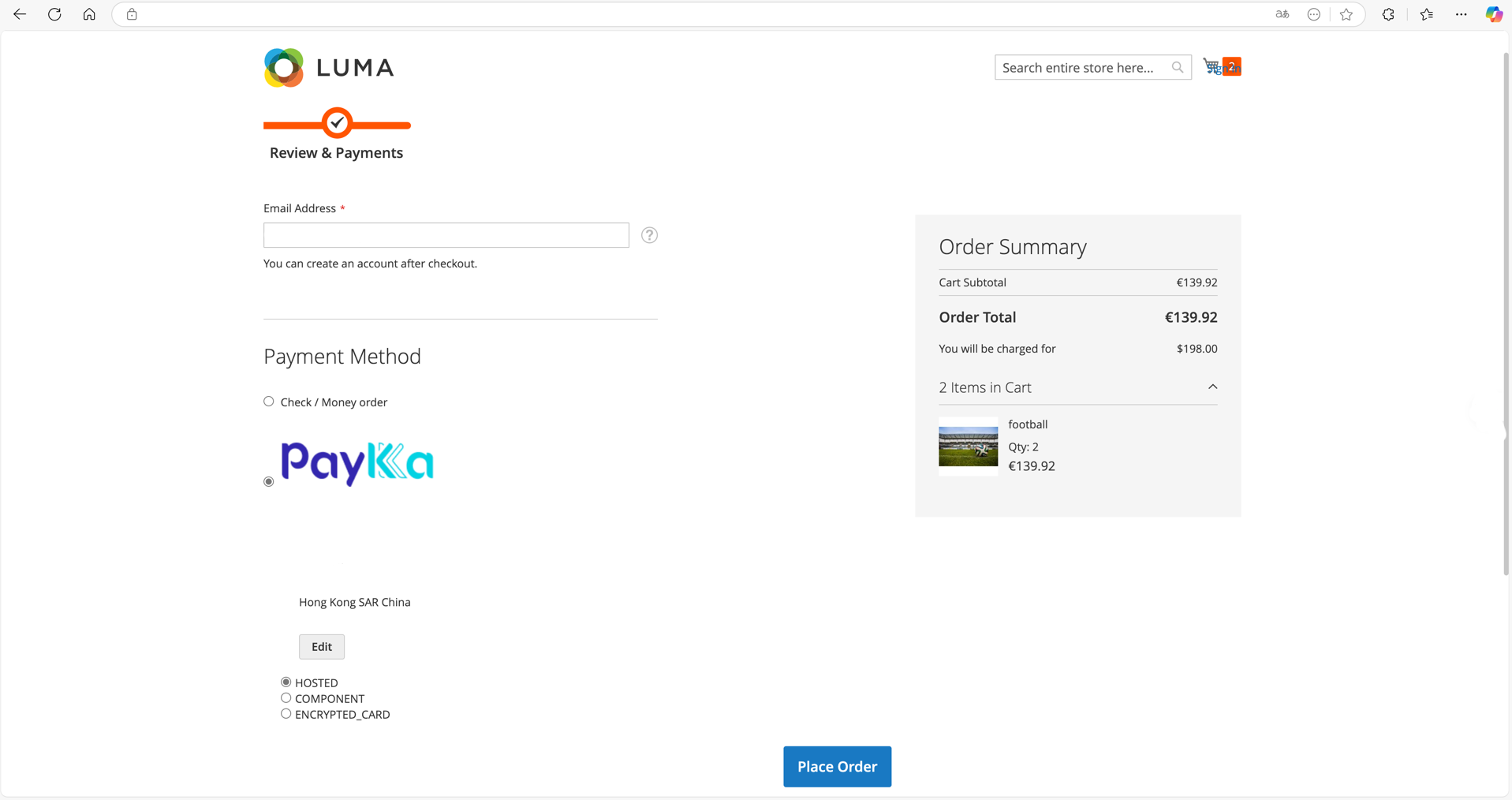
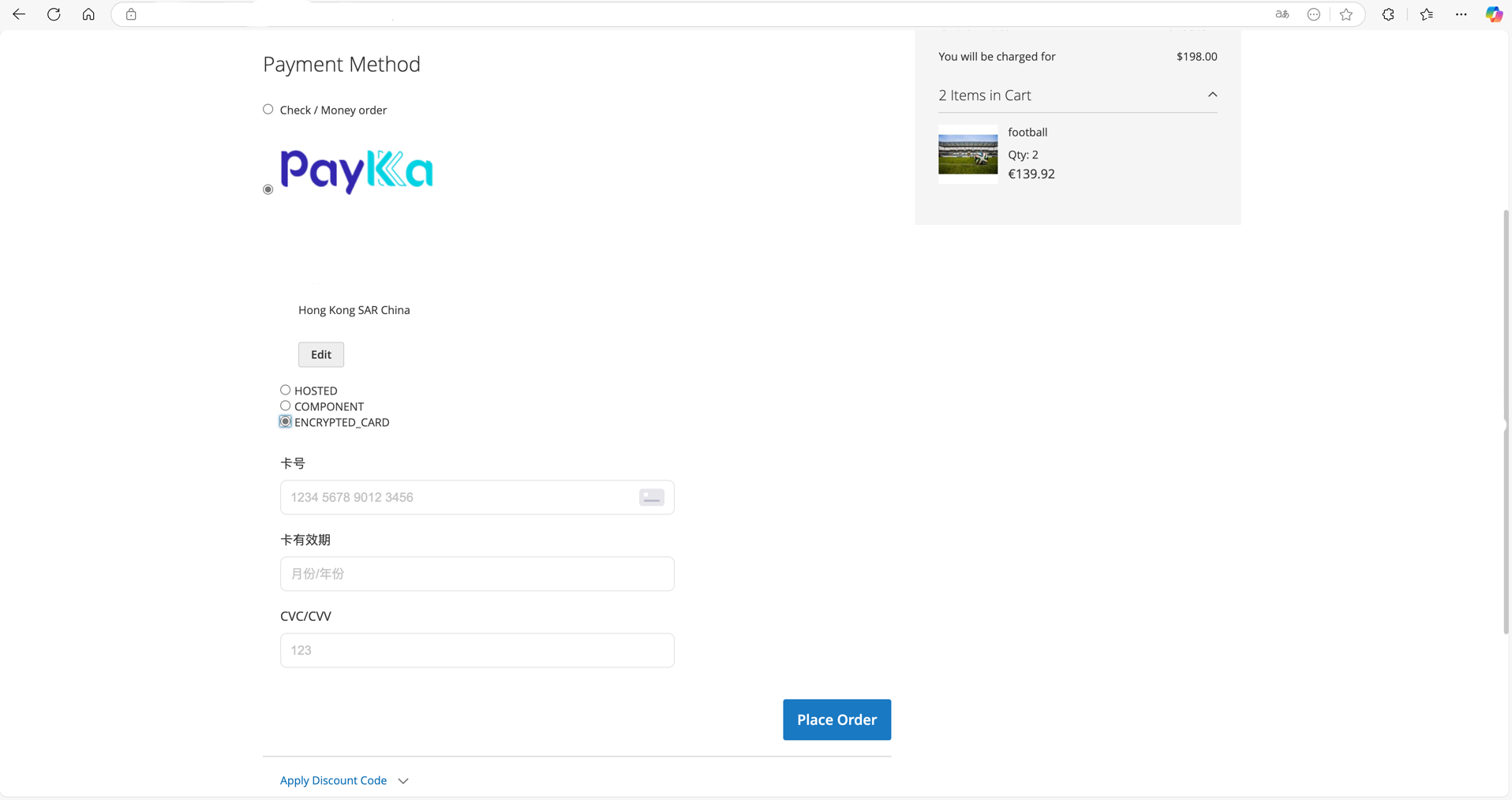
Using PayKKa Payment Method on Sales End Checkout Page

Description of image

Select Session Mode in PayKKa Payment Method

Description of image

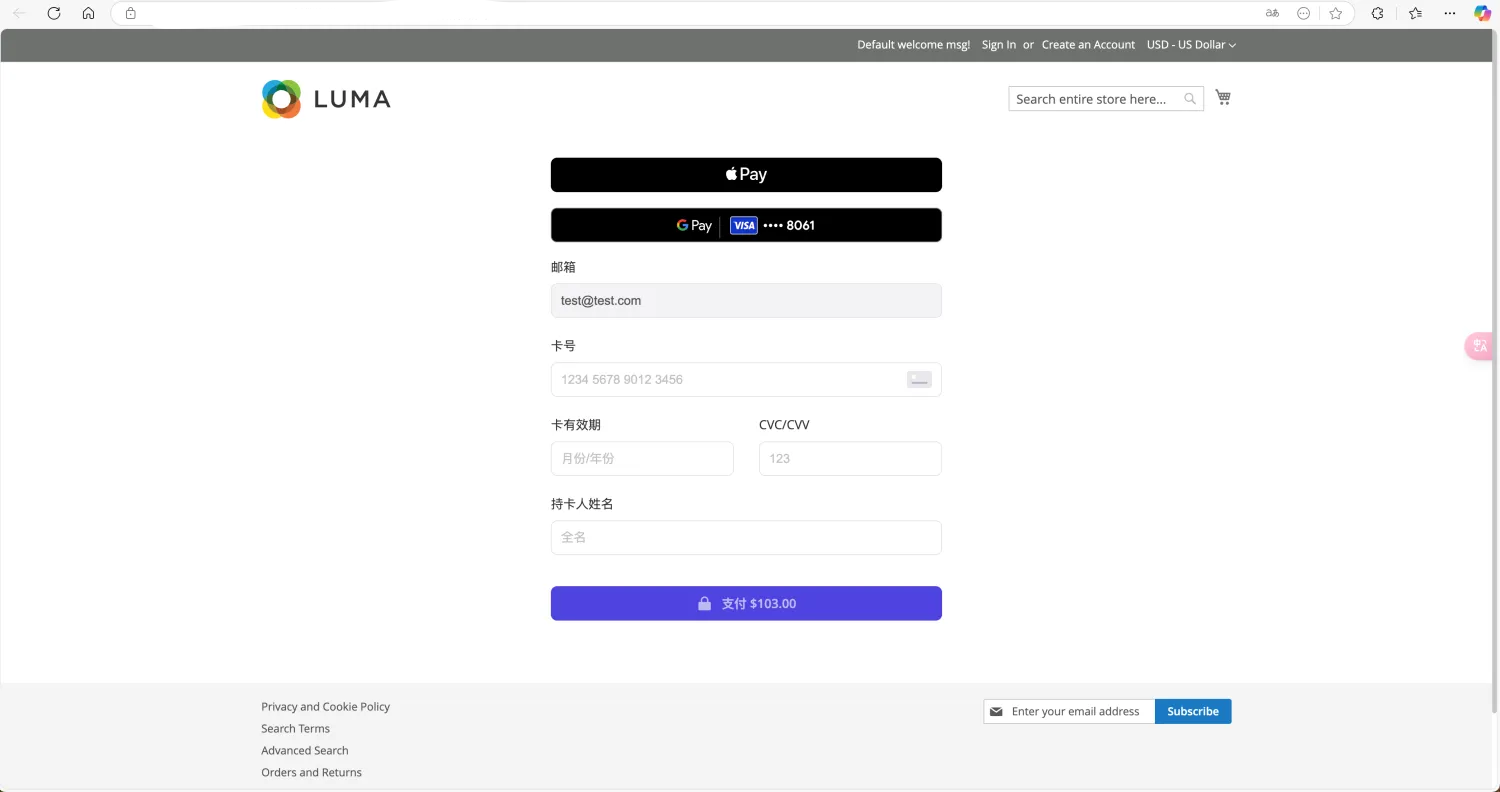
Component Mode

Description of image

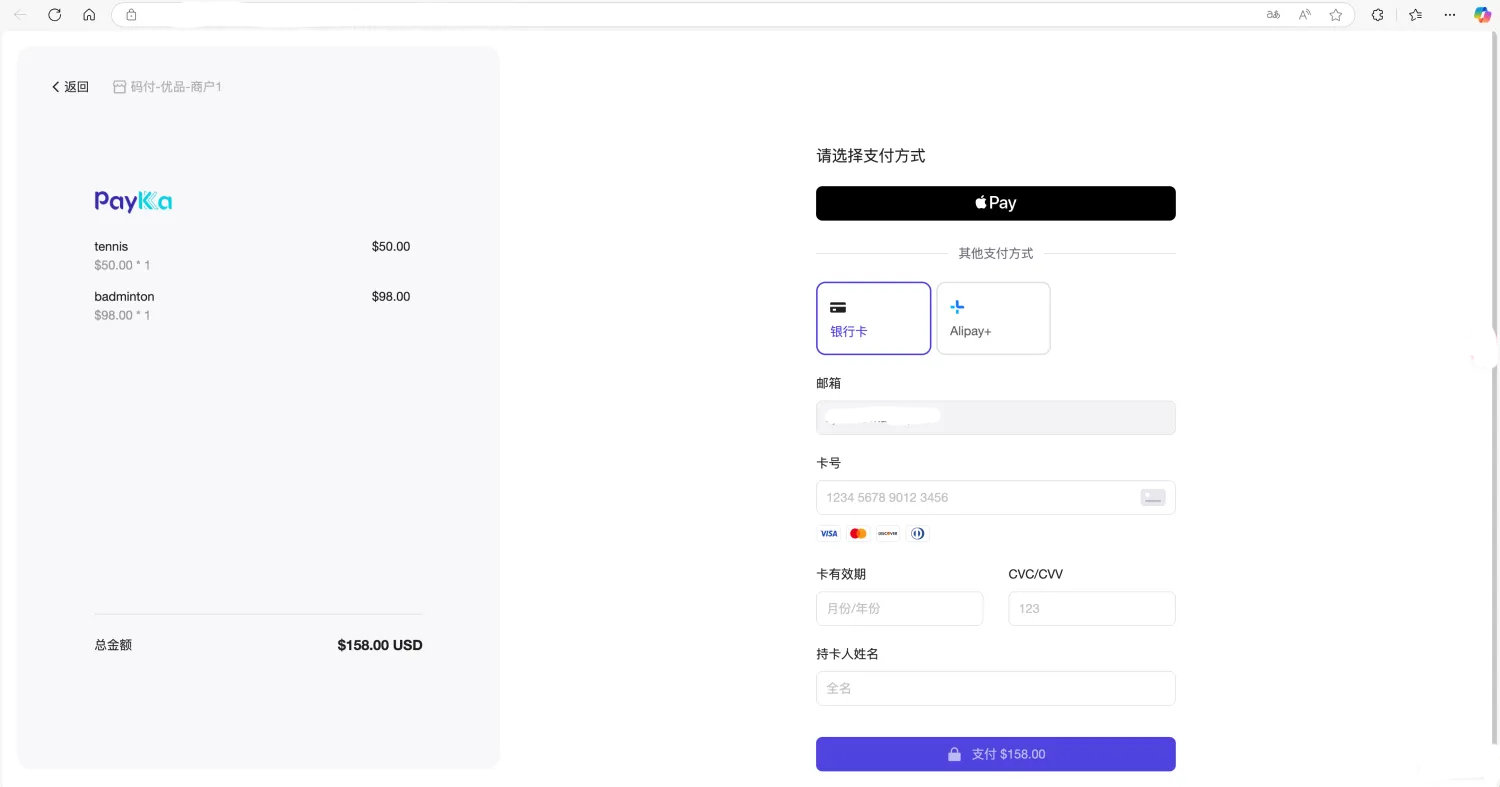
Hosted Mode

Description of image

Encrypted Card

Description of image