SHOPLINE is Asia's leading smart commerce platform, providing solutions and services that enable merchants to sell anytime, anywhere.
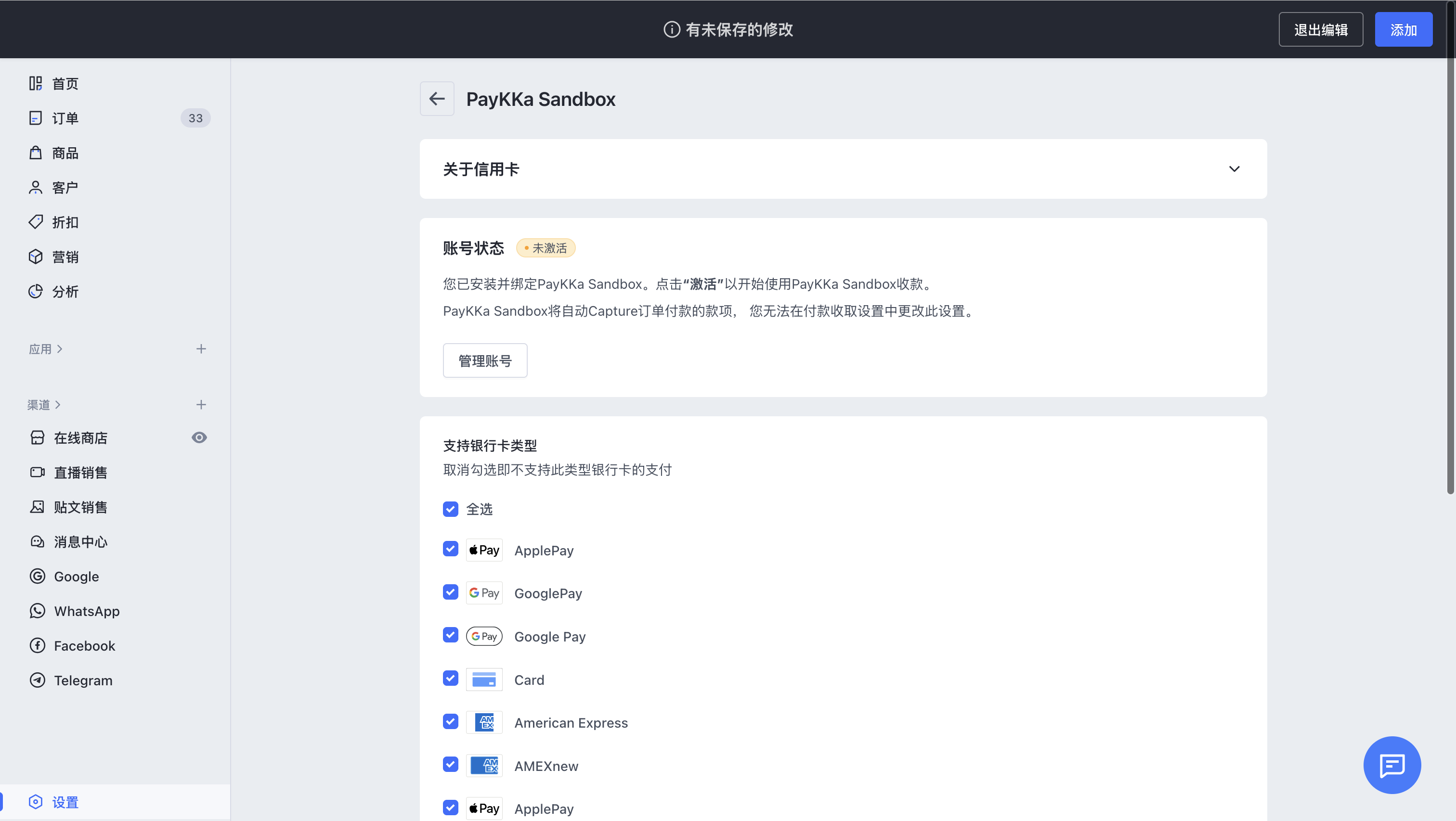
App Name: PayKKa
This application currently allows you to accept payments via Visa, Mastercard, and other major card schemes.
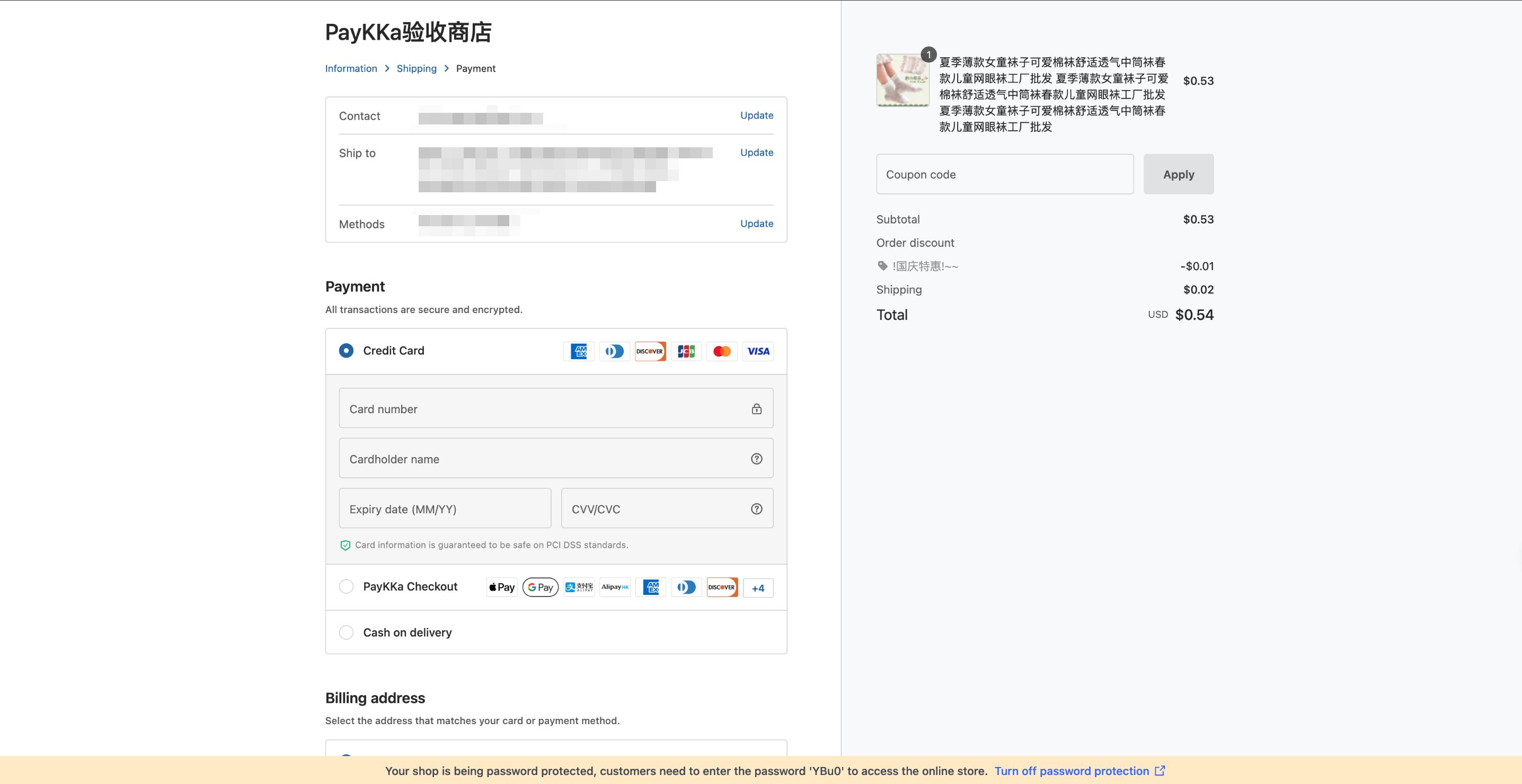
App Name: PayKKa Checkout
This application currently allows you to offer more than 30 local payment methods as well as major card schemes.
After clicking Complete Order, customers will be redirected to the checkout page, where they can choose their preferred payment method.
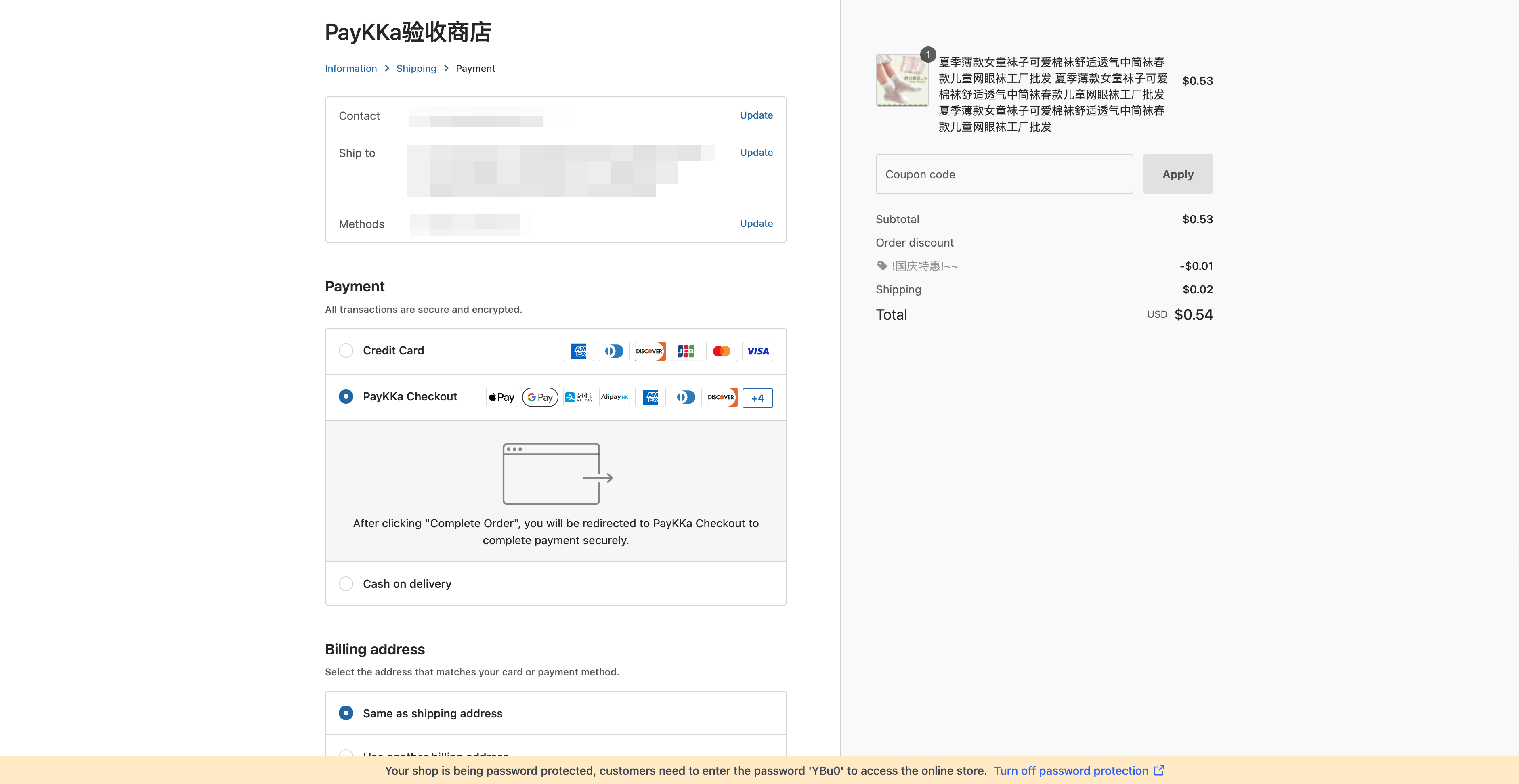
- Go to the store homepage -> Settings -> Payment -> More Payment Settings
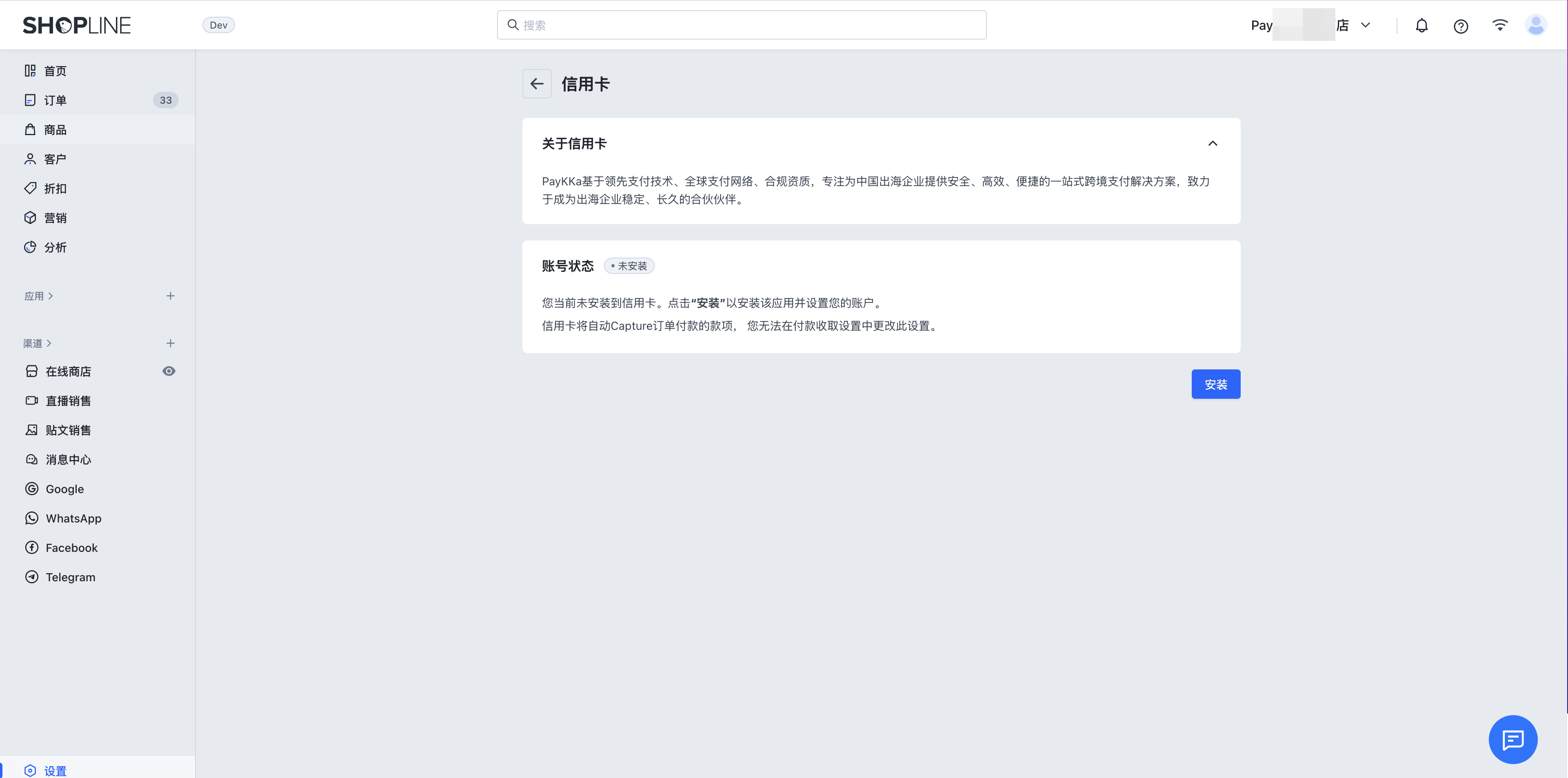
- PayKKa App: Select Credit/Debit Card Payment, click Select Provider, search for "PayKKa" in the search bar, and click Install.
- PayKKa Checkout App: Select Other Payment Methods, click Add, search for "PayKKa Checkout" in the search bar, and click Install.
If you cannot find the corresponding app, provide your store ID to PayKKa staff for quick assistance.
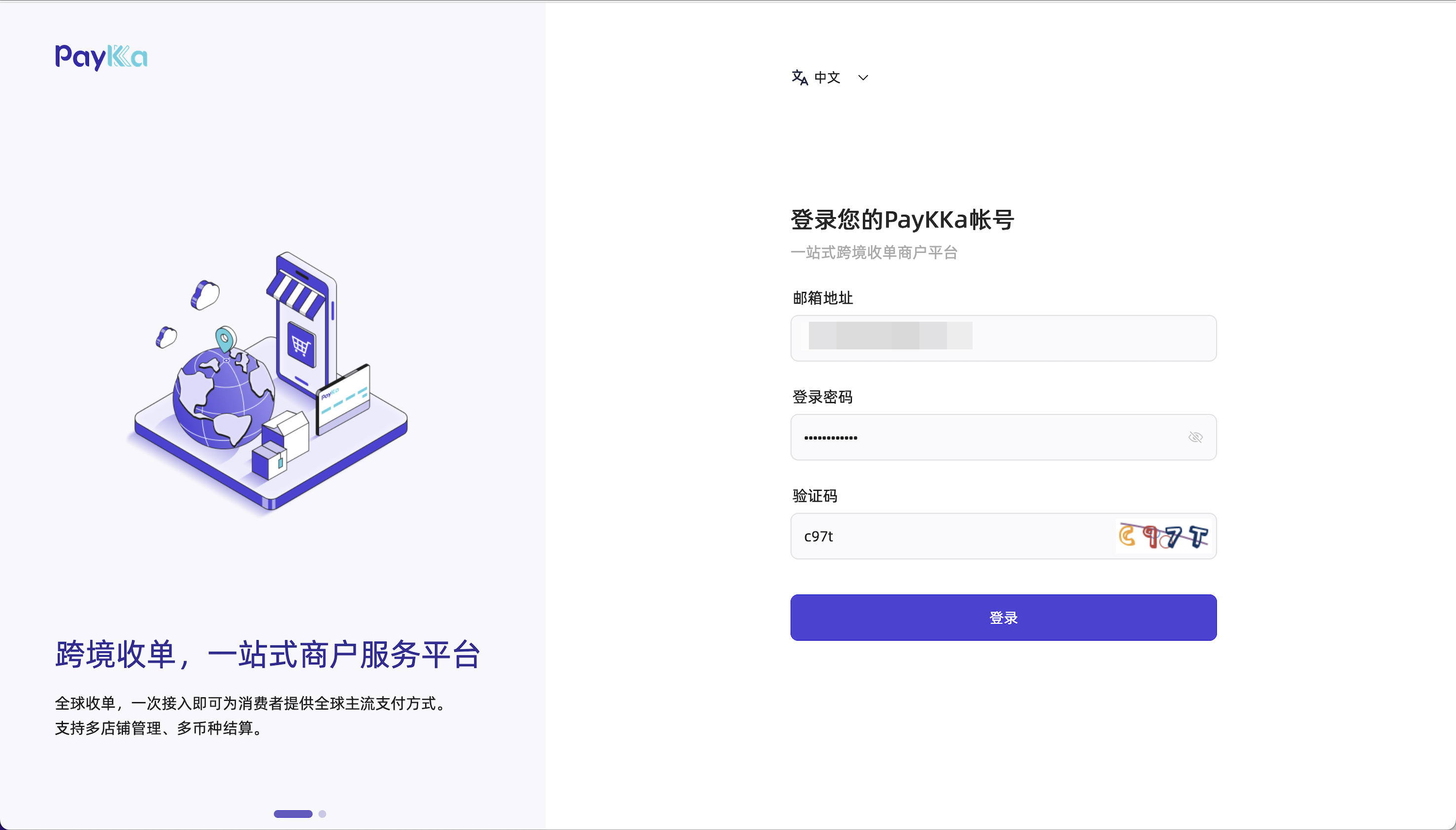
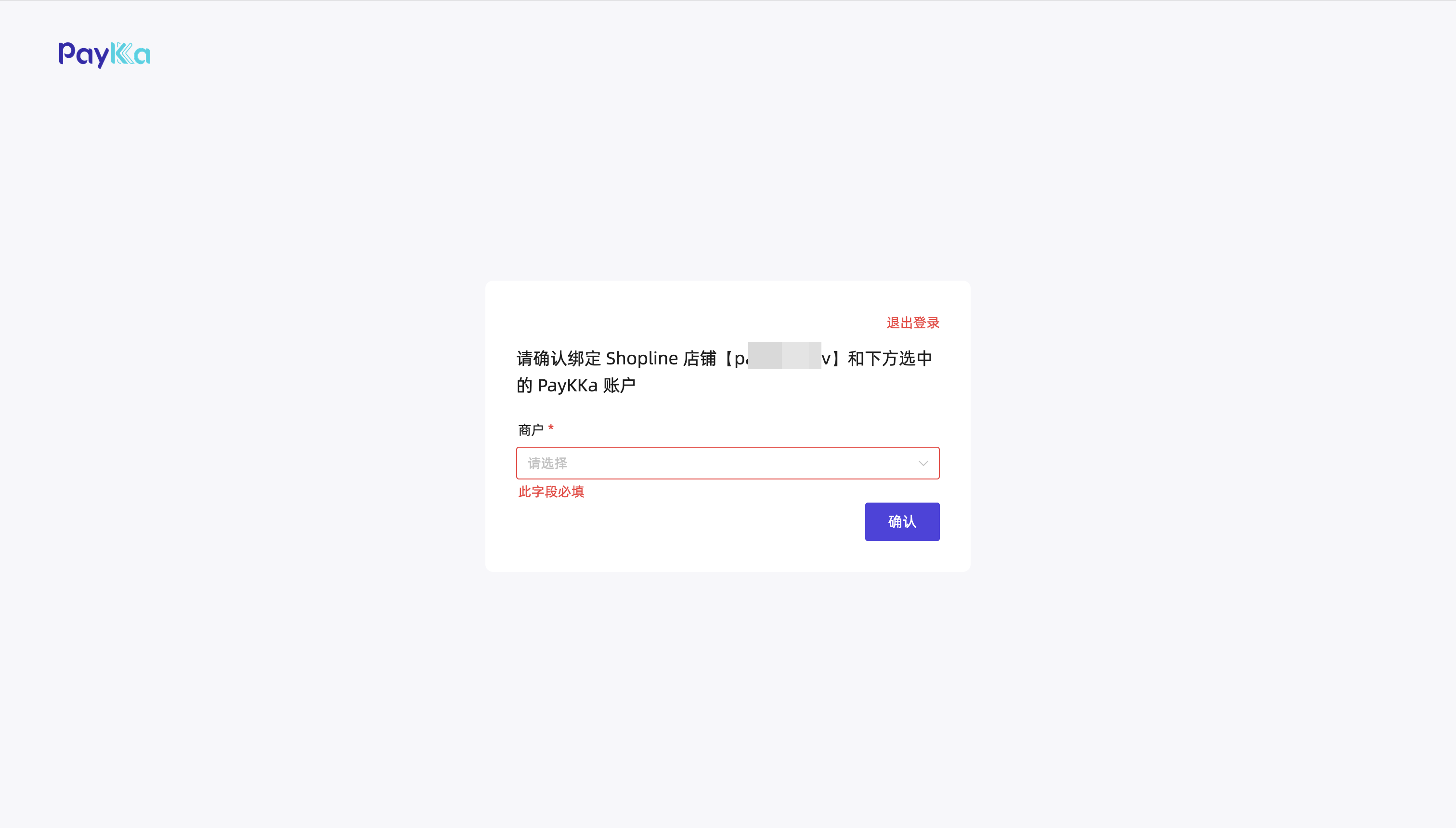
After clicking install, you will be redirected to the PayKKa login page to continue authorization. Simply log in (register if you don't have an account), and you will be prompted to bind the required merchant. Select the available merchant to complete the installation.
- Log in or register on the merchant platform, and make sure you have completed real-name authentication and merchant onboarding.
- Select the merchant to bind to the current store and submit.
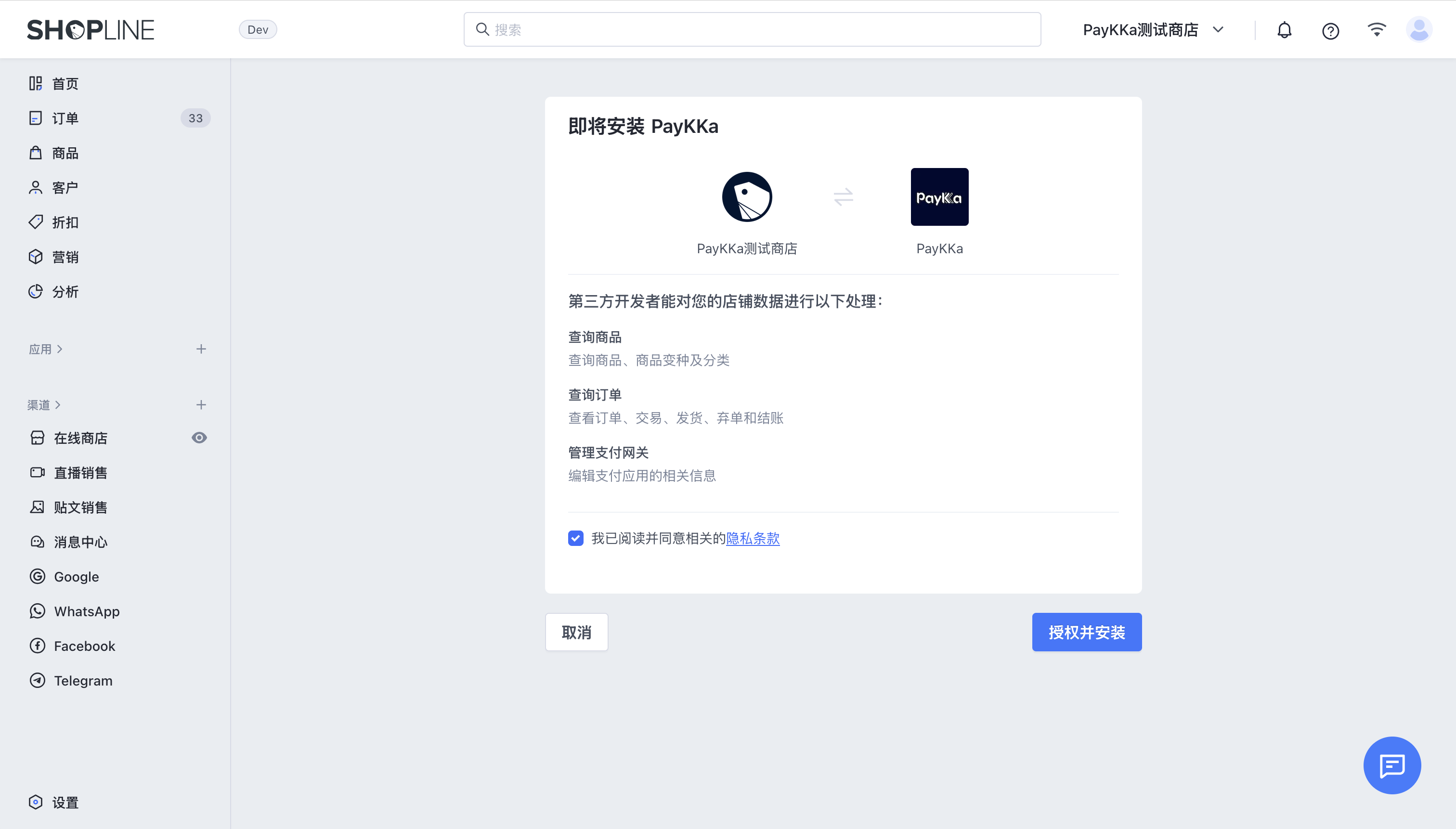
- Complete authorization, check Privacy Policy, and click Authorize and Install.
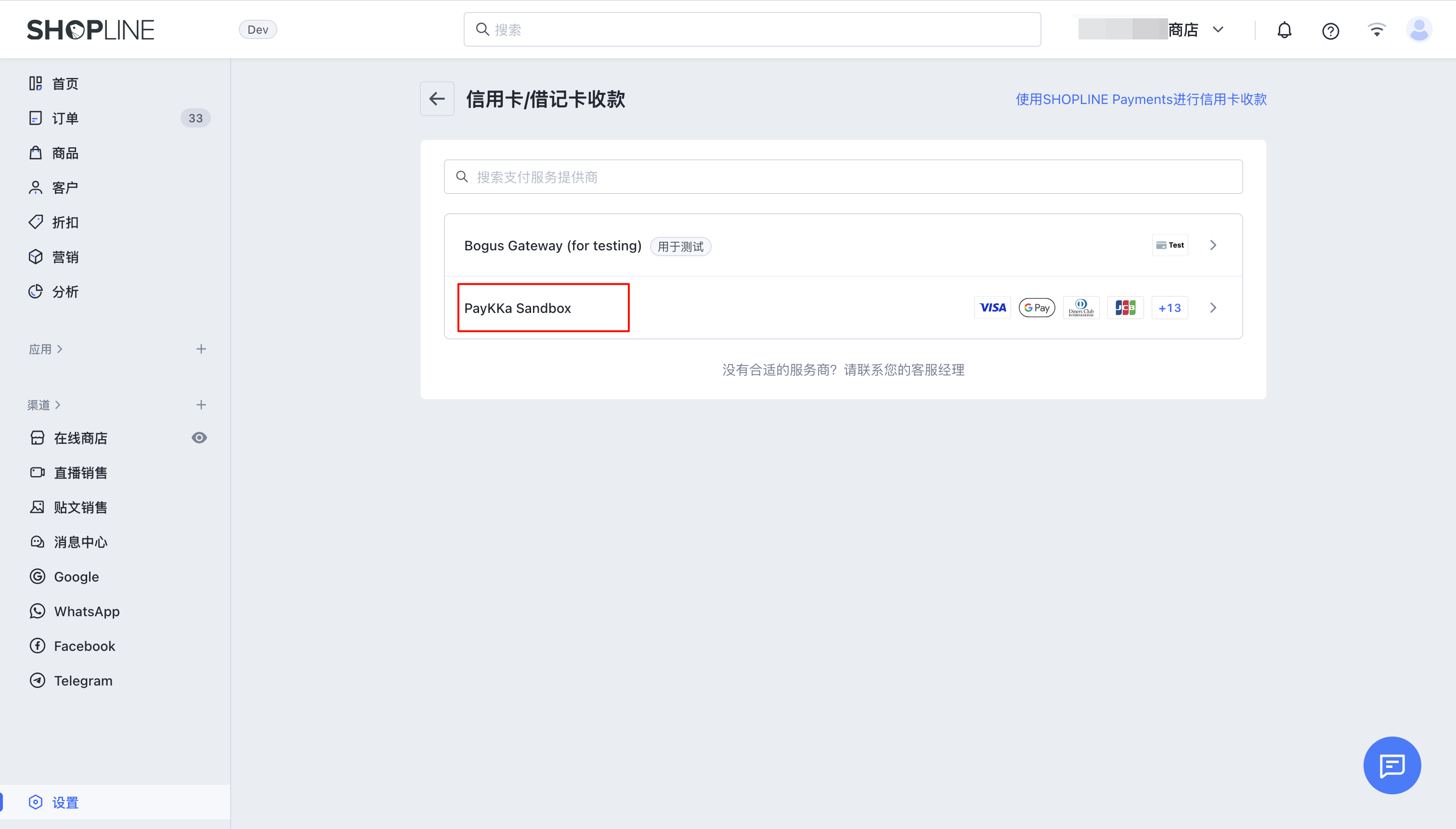
- After installation, you need to activate the app. Click Add in the upper right or lower right corner to complete the process.